
Survey Fatigue: What Causes It (And How to Prevent It)
Respondent fatigue reflects cognitive load, irrelevance, and poor flow—not just length. Causes, behavioral indicators, and design strategies to maintain engagement.
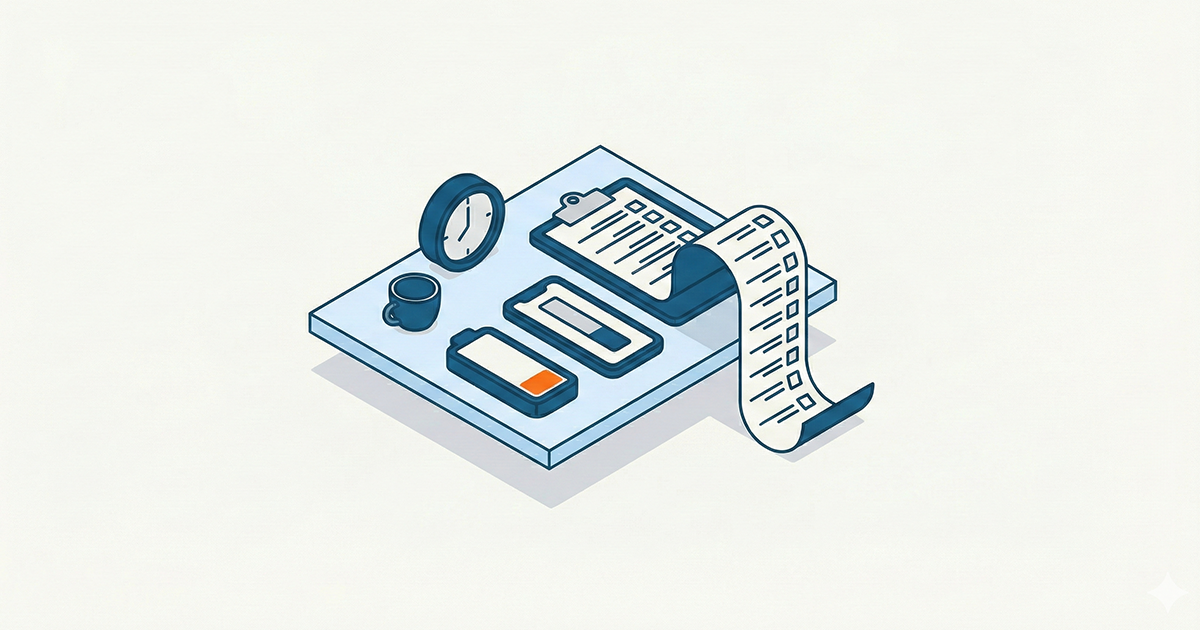
Survey fatigue isn't about survey length. It's about cognitive cost exceeding perceived value.
Everyone blames long surveys for low completion rates. But we've seen 25-minute surveys with 80% completion and 5-minute surveys abandoned at 40%. Length is a factor, but it's not the cause.
Survey fatigue happens when respondents decide—consciously or not—that finishing isn't worth the effort. That decision depends on cognitive load, relevance, motivation, and design choices that have nothing to do with question count.
This guide explains what actually causes survey fatigue, why common fixes don't work, and how to design surveys that respect respondent attention.
TL;DR:
- Fatigue ≠ length. Cognitive load per question matters more than total questions.
- Grid questions are fatigue accelerators. They look efficient but feel endless.
- Irrelevance kills motivation. Questions that don't apply signal you don't respect their time.
- Mobile amplifies everything. Small screens make cognitive load feel heavier.
- Branching logic is your best tool. Show only what matters to each respondent.
- Incentives don't fix bad design. They get people to start, not to finish thoughtfully.
→ Build Fatigue-Resistant Surveys with Lensym
What Survey Fatigue Actually Is
Survey fatigue is the progressive decline in respondent engagement and data quality as a survey continues. It manifests as:
- Satisficing: Giving acceptable answers instead of accurate ones
- Straight-lining: Selecting the same response across matrix questions
- Speeding: Rushing through without reading carefully
- Abandonment: Quitting before completion
The problem isn't that respondents get tired. It's that the cost-benefit calculation shifts. Early in a survey, respondents are invested. They read carefully, consider options, and give thoughtful answers. As cognitive resources deplete and the end seems no closer, they switch strategies.
This shift doesn't announce itself. Respondents don't flag "I stopped trying at question 12." They just start giving worse data while appearing to participate normally.
The Real Causes of Survey Fatigue
1. Cognitive Load, Not Question Count
A 20-question survey of simple rating scales creates less fatigue than a 10-question survey with complex ranking tasks and open-ended questions.
| Question Type | Cognitive Load | Fatigue Impact |
|---|---|---|
| Single choice (3-5 options) | Low | Minimal |
| Likert scale (agree/disagree) | Low | Minimal |
| Multiple choice (select all) | Medium | Moderate |
| Matrix/grid questions | Medium-High | High |
| Ranking tasks | High | High |
| Open-ended (short) | High | High |
| Open-ended (detailed) | Very High | Severe |
The insight: fatigue accumulates based on mental effort, not elapsed questions. Three consecutive open-ended questions can exhaust respondents faster than fifteen rating scales.
Design implication: front-load cognitively demanding questions when attention is highest. Save easy questions (demographics, simple ratings) for the end.
2. Grid Questions: The Silent Killer
Matrix questions—grids where respondents rate multiple items on the same scale—are the single biggest contributor to survey fatigue.
They seem efficient. Instead of asking 8 separate questions about product features, you create one grid. Respondents see it and think "this will be quick." Then they start clicking through row after row, and the grid that looked like one question feels like twenty.
Research consistently shows:
- Straight-lining increases dramatically in grids vs. individual questions
- Data quality degrades after 5-7 rows
- Mobile users particularly struggle with grids
The fix isn't eliminating grids entirely. It's:
- Limiting grids to 5 rows maximum
- Breaking large grids into smaller chunks
- Using individual questions for your most important items
- Never putting grids back-to-back
3. Irrelevant Questions
Nothing accelerates fatigue like questions that don't apply to the respondent.
When someone who doesn't own a car is asked about their vehicle maintenance habits, two things happen: they give meaningless data (damaging validity), and they lose trust that the survey respects their time (accelerating fatigue).
This is where branching logic becomes essential. Every question a respondent sees should be relevant to them. If it's not, you're spending their cognitive budget on noise.
The math is simple: a 30-question survey where every question applies feels shorter than a 20-question survey where 5 questions are irrelevant. Perceived relevance drives perceived length.
4. Mobile vs. Desktop Experience
Mobile respondents experience surveys differently:
- Smaller screens make grids harder to navigate
- Scrolling fatigue adds physical effort to cognitive effort
- Distractions compete for attention
- Typing is harder, making open-ended questions more burdensome
The same survey can feel manageable on desktop and exhausting on mobile. If your audience is primarily mobile (increasingly the default), design for mobile first:
- Avoid wide grids that require horizontal scrolling
- Keep open-ended questions minimal
- Use larger touch targets
- Show progress clearly
5. Unclear Progress
Respondents tolerate effort when they can see the end. Surveys without progress indicators create anxiety: "How much longer is this?"
But progress indicators can backfire. Showing "Page 3 of 47" is worse than showing nothing. The key is perceived progress, not actual progress.
Effective progress design:
- Show percentage complete, not page numbers
- Use branching so the survey adapts (and shortens) based on answers
- Front-load the longest sections so progress accelerates toward the end
- Consider hiding progress if the survey is genuinely short (under 3 minutes)
Why Common Fixes Don't Work
Incentives Don't Fix Fatigue
Incentives (gift cards, discounts, entries into drawings) increase survey starts. They don't increase survey quality.
A respondent who's only there for the $5 Amazon card has no intrinsic motivation to give thoughtful answers. They'll satisfice from question one, not just when fatigue sets in. You get more completed surveys with worse data.
Incentives work when:
- The survey is already well-designed
- The audience has some baseline interest
- The incentive matches the effort (don't offer $2 for a 20-minute survey)
They don't work as a substitute for good design.
Cutting Questions Isn't Always the Answer
"Make it shorter" is the default advice for survey fatigue. It's often right, but not always.
Sometimes the problem isn't total length but specific friction points:
- One confusing question that makes respondents second-guess themselves
- A grid that should be broken up
- An open-ended question that could be multiple choice
- Questions appearing in an illogical order
Before cutting questions, identify where fatigue actually occurs. If completion rates drop sharply at a specific point, that's your problem—not overall length.
"Fun" Design Doesn't Reduce Cognitive Load
Gamification, animations, and playful copy can improve engagement, but they don't reduce the mental effort of answering questions.
A ranking task with colorful drag-and-drop animations is still a ranking task. It still requires comparing options, making judgments, and holding information in working memory. The cognitive load is identical; you've just made it prettier.
Design improvements that actually reduce fatigue:
- Simpler question formats
- Clearer wording
- Better information hierarchy
- Logical question flow
How to Design Fatigue-Resistant Surveys
1. Audit Cognitive Load
Before launching, review each question and estimate its cognitive cost:
- Low: Can be answered in under 5 seconds without much thought
- Medium: Requires reading options carefully or brief recall
- High: Requires comparison, ranking, or generating original content
If you have more than 3-4 high-load questions, something needs to change. Either cut questions, simplify formats, or spread high-load questions throughout the survey with low-load buffers between them.
2. Use Branching Aggressively
Branching logic is your most powerful tool against fatigue. It ensures:
- Every question is relevant to the respondent
- The survey adapts to their situation
- Perceived length matches actual relevance
A survey with 40 total questions but smart branching might show any individual only 15-20. That's not a 40-question survey—it's a personalized 15-question survey that happens to serve multiple audiences.
This is where Lensym's visual editor helps. You can see the entire survey flow, identify which paths are too long, and optimize the experience for each respondent segment.
3. Front-Load Importance, Back-Load Ease
Structure your survey so:
- First third: Most important questions, moderate cognitive load
- Middle third: Secondary questions, mixed load
- Final third: Easy questions (demographics, simple ratings)
This ensures you capture critical data while attention is high, and gives respondents an easy glide to completion when fatigue sets in.
4. Pilot Test for Fatigue Specifically
Standard pilot testing catches usability issues. To catch fatigue issues, you need to:
- Ask pilot respondents to note where they felt their attention waning
- Track time-per-question to identify friction points
- Look for straight-lining patterns in grid questions
- Compare early vs. late response quality
If pilot respondents report fatigue at minute 8, your full audience will experience it at minute 6. Build in margin.
5. Set Expectations Honestly
Tell respondents how long the survey takes—and be accurate. Underestimating creates frustration ("They said 5 minutes and it's been 10"). Overestimating creates pleasant surprise but may reduce starts.
The best approach: give a realistic range based on your pilot data. "This survey takes 6-10 minutes depending on your answers" sets honest expectations and signals that the survey adapts to them.
The Fatigue-Prevention Checklist
Before launching, verify:
- No grid exceeds 5-7 rows
- High-cognitive-load questions are spread throughout, not clustered
- Every question is relevant to the respondent seeing it (branching logic)
- Open-ended questions are limited (ideally 1-2 maximum)
- Progress is visible and feels achievable
- Mobile experience is tested and optimized
- Pilot respondents reported acceptable fatigue levels
- Time estimate is accurate and communicated
The Bottom Line
Survey fatigue is a design problem, not a length problem.
Respondents don't abandon surveys because they're long. They abandon surveys because the cognitive cost exceeds the perceived value. Your job is to minimize cost (through smart design) and maximize value (through relevance and respect).
The surveys with the best completion rates aren't the shortest. They're the ones where every question feels worth answering.
Building surveys that respect respondent attention?
Lensym's visual editor makes it easy to design branching logic that reduces perceived length without sacrificing data quality.
Related Reading:
On this page
Continue Reading
More articles you might find interesting
Acquiescence Bias: What It Is, Examples & How to Reduce
Acquiescence bias is the tendency to agree regardless of content. Real survey examples, why it happens, and the methods that reliably reduce it.

Anonymous Surveys and GDPR: What Researchers Must Document
GDPR's definition of anonymity is strict. Requirements for true anonymization, when pseudonymization suffices, and documentation obligations for each.
Central Tendency Bias: What It Is, Examples & How to Prevent
Central tendency bias is when respondents cluster on middle scale options. Examples, why it happens on Likert scales, and how to prevent it.