
7 Survey Mistakes That Make Your Results Useless
The most common survey design errors that invalidate your data. Quick fixes for leading questions, survey length, missing options, and more.
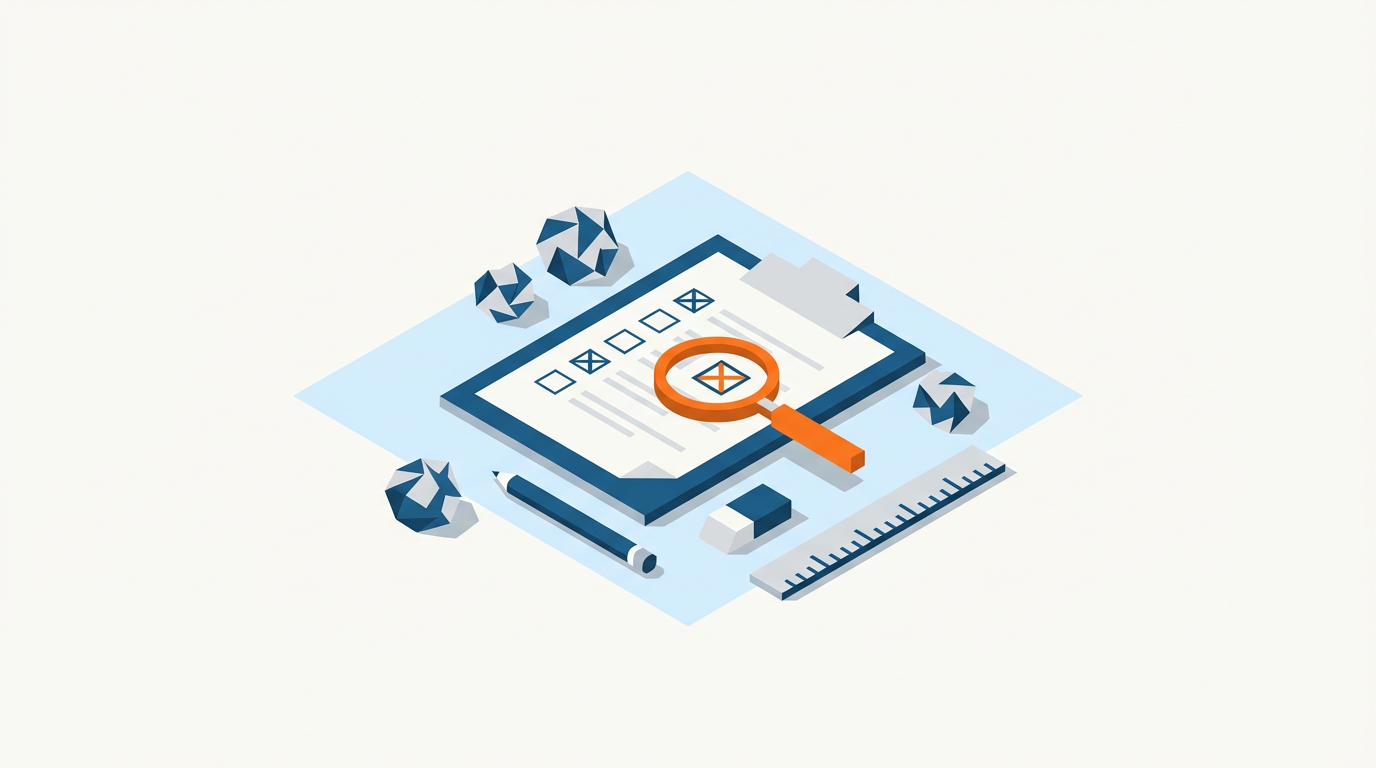
You can collect thousands of responses and still have nothing useful. Bad survey design doesn't announce itself. It just quietly corrupts your data.
Here are seven mistakes that make survey results meaningless, and how to avoid them.
1. No Clear Research Question
The most common mistake happens before you write a single question: not knowing what you're actually trying to learn.
"Let's survey our customers" isn't a research question. Neither is "we want feedback."
Before you start: Write down the specific decisions this survey will inform. If you can't name them, you're not ready to build a survey.
A good research question sounds like: "Which features do users abandon, and why?" or "What prevents trial users from converting?"
Everything else follows from this.
2. Leading and Loaded Questions
Leading questions push respondents toward a particular answer. They're often unintentional.
Bad: "How satisfied are you with our excellent customer service?"
Better: "How would you rate your most recent customer service experience?"
Bad: "Don't you agree that our new feature saves time?"
Better: "How has the new feature affected your workflow?"
If your question contains positive or negative framing, adjectives that assume quality, or "don't you think" phrasing, rewrite it. Also watch for double-barreled questions that ask two things at once.
For a deeper dive, see our guide to leading and loaded questions.
3. Survey Is Too Long
Every additional question costs you completions. After 7-10 minutes, drop-off accelerates. After 15 minutes, you're mostly collecting data from people with unusual patience or motivation, which biases your sample.
Rule of thumb: If a question doesn't directly inform a decision you've already identified, cut it.
"Nice to know" questions aren't free. They cost you respondents and data quality.
Use our survey length estimator to check your expected completion time before launch.
4. No Answer Option Randomization
If every respondent sees "Option A" first, primacy bias inflates A's selection rate. This is a silent data corruptor.
Fix: Randomize answer option order for any question where order shouldn't matter (most multiple-choice questions).
Exception: Don't randomize scales (Strongly Disagree to Strongly Agree should stay in order) or logically ordered lists (age ranges, income brackets).
Most survey platforms support this. If yours doesn't, that's a red flag.
5. Missing or Broken Response Options
Forcing respondents into options that don't fit them produces garbage data.
Common problems:
- No "Not applicable" or "I don't know" option when relevant
- Overlapping ranges ("18-25" and "25-35")
- Missing options that force people to pick something inaccurate
- No "Other" option for genuinely unexpected responses
The test: Can every possible respondent answer honestly? If someone's true answer isn't available, they'll either skip the question or lie. Both corrupt your data.
6. Skipping the Pilot Test
A pilot test with 5-10 people catches problems that look obvious in hindsight:
- Confusing question wording
- Broken skip logic
- Questions that take longer than expected
- Missing response options
- Mobile display issues
The rule: Never launch a survey you haven't taken yourself, on mobile, while pretending to be slightly confused.
Five pilot responses can save you from throwing out 500 real ones. See our pilot testing guide.
7. No Plan for Analysis
If you don't know how you'll analyze the data, you'll collect data you can't use.
Before launch, answer:
- What's the unit of analysis?
- Which questions will you cross-tabulate?
- What sample size do you need for meaningful comparisons?
- Can your analysis software import the export format?
Collecting 47 open-ended questions sounds thorough until you're staring at 2,000 free-text responses with no way to summarize them. Understanding when to use open-ended vs closed-ended questions helps you avoid this trap.
The fix: Write your analysis plan before you write your survey. Know what your output tables and charts will look like. Then design questions that produce those outputs.
The Quick Checklist
Before you launch:
- I can name the specific decisions this survey will inform
- I've reviewed every question for leading language
- Estimated completion time is under 10 minutes
- Answer options are randomized where appropriate
- Every question has adequate response options (including N/A if needed)
- I've completed a pilot test on mobile
- I know exactly how I'll analyze each question
If you can't check all seven, you're not ready to launch.
Related reading:
On this page
Continue Reading
More articles you might find interesting
Acquiescence Bias: What It Is, Examples & How to Reduce
Acquiescence bias is the tendency to agree regardless of content. Real survey examples, why it happens, and the methods that reliably reduce it.
Anonymous Surveys and GDPR: What Researchers Must Document
GDPR's definition of anonymity is strict. Requirements for true anonymization, when pseudonymization suffices, and documentation obligations for each.
Central Tendency Bias: What It Is, Examples & How to Prevent
Central tendency bias is when respondents cluster on middle scale options. Examples, why it happens on Likert scales, and how to prevent it.