
Real-Time Collaborative Survey Platforms for Research Teams
What research teams need from collaborative survey tools: simultaneous editing, role-based permissions, version control, commenting, and audit trails for multi-investigator academic projects.
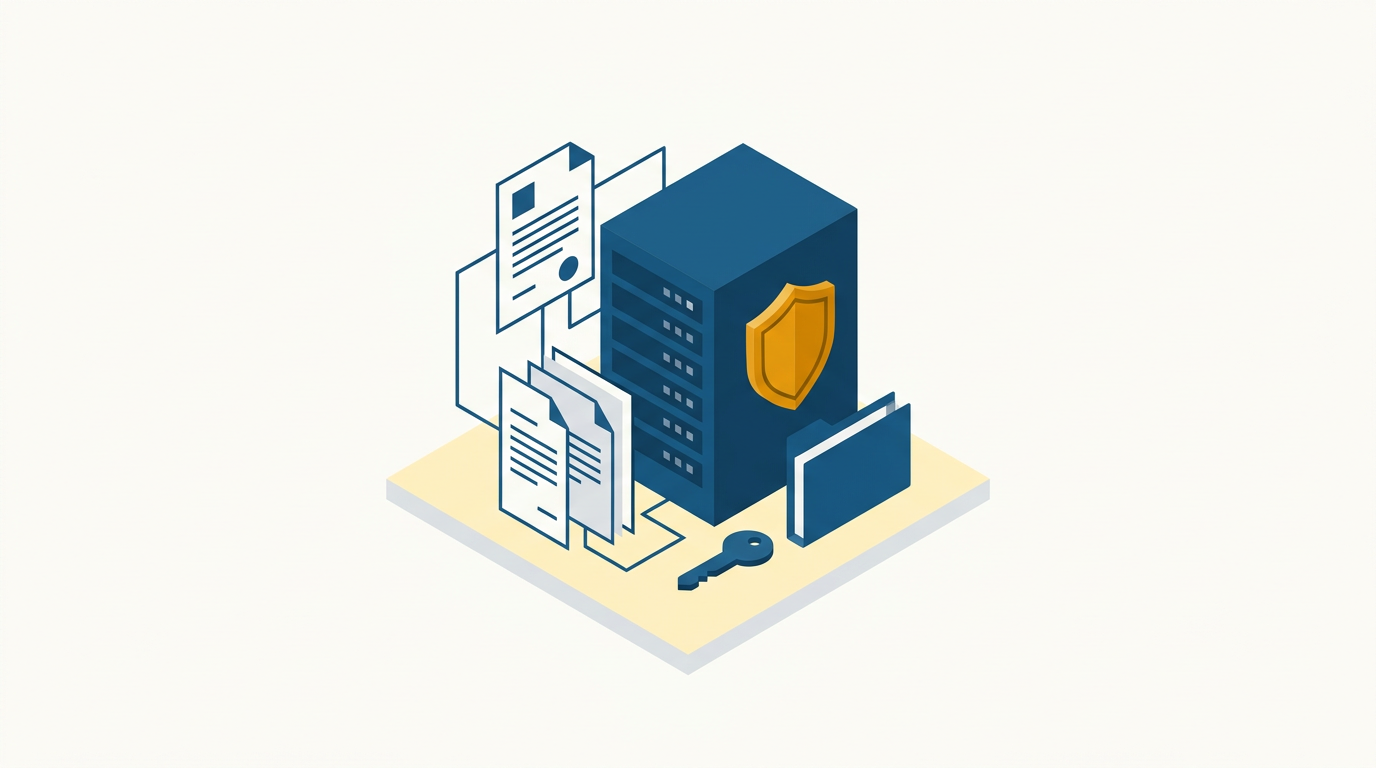
Research is collaborative. Survey tools are not. The typical workflow for a multi-investigator survey project involves one person building the survey in a platform that supports single-user editing, while everyone else reviews screenshots in email threads and tracks changes in a separate document. The disconnect between where decisions are made and where the instrument lives introduces errors, delays, and version confusion.
Multi-investigator research is the norm in academic settings. A single survey instrument may involve a principal investigator who owns the study design, co-investigators who contribute domain-specific sections, a methodologist who reviews question construction and scale properties, research assistants who handle implementation and testing, and a data manager who configures exports and variable coding.
These roles need different levels of access and different capabilities within the survey tool. But most survey platforms were designed for a single researcher working alone. Collaboration is an afterthought—"share this survey" usually means giving someone a copy or granting full admin access with no granularity.
This guide identifies what research teams actually need from collaborative survey infrastructure and how to evaluate platforms against these requirements.
TL;DR:
- Simultaneous editing eliminates the sequential bottleneck where one person builds while others wait.
- Role-based permissions prevent accidental changes to live instruments and enforce ethics board data access requirements.
- Version history provides an audit trail for methodology documentation and enables safe experimentation with survey modifications.
- In-context commenting keeps design discussions attached to the questions they reference, replacing scattered email threads.
- Audit trails document who changed what and when, which is increasingly required by ethics boards and funders.
Try Lensym for Team-Based Research
Where Current Tools Fall Short
The "One Builder" Bottleneck
Most survey platforms assume a single builder. Even platforms that offer sharing typically provide binary access: full editor or view-only. This creates a workflow where:
- The PI designs the conceptual structure
- An RA builds it in the platform
- Co-investigators review (via screenshots or demo links)
- Feedback is collected in email or a shared document
- The RA implements changes
- Another review cycle begins
Each cycle takes days. Three review cycles (common for multi-section instruments) means weeks of iteration before the survey is ready for pilot testing. And at every handoff, context is lost. The co-investigator's comment "make the response options more specific" becomes "which question was that about?" three emails later.
No Structural Awareness
General collaboration tools (Google Docs, Notion, shared Word files) support real-time text editing but have no understanding of survey structure. A question in a document is just text. It has no associated type, validation rules, response options, or branching conditions.
When teams draft surveys in shared documents and then transfer them to a survey platform, the translation introduces errors. Branching logic described in a document ("If Q3 = Yes, show Q4-Q7") must be manually implemented—and the implementation may not match the intent. The document and the live survey diverge. No one knows which version is the real one.
Permission Gaps
Multi-investigator studies have legitimate access control requirements:
- The PI should control whether the survey goes live
- Co-investigators should edit their sections but not accidentally modify others' sections
- Research assistants should manage participant lists without accessing identifiable response data
- External collaborators should view the instrument without editing or data access
Most platforms offer "editor" and "viewer" roles. Nothing between them. This means either you give everyone full access—risking accidental changes—or you restrict most people to view-only, recreating the bottleneck.
No Audit Trail
Ethics boards and funders increasingly ask: "How was the instrument developed? What changes were made during the study? Who authorized those changes?" Without an audit trail, the answer is "we have some emails and a folder of Word documents with dates in the filename." That's not documentation—that's archaeology.
This is not a compliance checkbox—it's a research integrity issue. If a question was modified after 200 responses were collected, the pre- and post-modification responses may not be comparable. Without version tracking, you may not even know this happened.
If your ethics board asks how the instrument evolved, built-in version tracking turns a painful question into a one-click export. See how Lensym handles audit trails →
What Research Teams Actually Need
1. Simultaneous Editing
Multiple team members working on the same survey at the same time. Not "one edits while others watch"—genuinely concurrent editing with conflict resolution.
What this looks like in practice:
- The PI restructures section order while an RA adds questions to Section 3
- A methodologist reviews and annotates branching logic while a co-investigator refines question wording
- Changes are visible to all editors in real time, preventing conflicting modifications
The technical challenge: Survey editing involves structural changes (adding, removing, reordering questions) and content changes (editing text, options, logic). The platform must handle concurrent structural and content edits without data loss or corruption.
2. Role-Based Permissions
Granular access control aligned with research team roles:
| Role | Typical permissions |
|---|---|
| Principal Investigator | Full access: edit, deploy, access data, manage team |
| Co-Investigator | Edit instrument, review data, cannot deploy |
| Research Assistant | Edit questions, manage participants, no raw data access |
| Methodologist | Edit logic and structure, review instrument, no data access |
| Statistician | Export data, configure variable coding, no instrument editing |
| External Reviewer | View instrument only, comment, no editing |
The specific roles matter less than the granularity. A platform that only offers "admin" and "member" cannot implement the access patterns that multi-investigator studies require.
3. Version History and Rollback
Complete history of every change to the survey instrument:
- What changed: Specific questions, options, logic rules, or structural elements
- Who changed it: Attributed to the team member's account
- When: Timestamped with precision
- Rollback: The ability to revert to any previous version
This serves multiple purposes: methodology documentation for publications, audit compliance for ethics boards, safe experimentation—try a change, revert if it doesn't work—and debugging when something breaks.
4. In-Context Discussion
Comments and annotations attached to specific survey elements (questions, response options, branching rules) rather than in a separate communication channel.
Why this matters: "I think Q14 should use a 7-point scale instead of 5-point" is useful feedback. But in an email thread with 40 messages about 30 different questions, it gets buried. When comments are attached to Q14 itself, the discussion lives where it is relevant and remains visible to whoever works on that question next.
Threaded discussions, resolution status (open/resolved), and @ mentions are valuable additions that keep design discussions organized within the tool.
5. Section-Level Ownership
The ability to assign sections or question blocks to specific team members. The responsible person receives notifications when their section is modified by others, can "lock" their section when it is finalized, and is clearly identified as the authority on that content.
This maps to how multi-investigator studies actually work: each co-investigator typically owns a specific measurement domain. The survey tool should reflect this ownership structure.
Evaluating Collaboration Capabilities
When assessing a survey platform for team use, these questions differentiate genuine collaboration from basic sharing:
Can two people edit the same survey simultaneously? If yes: real-time collaboration. If changes must be "refreshed" or one person's edits overwrite another's: single-user editing with basic sharing.
How granular are permissions? If the only options are "editor" and "viewer": insufficient for research teams. If roles can be customized with per-section or per-feature permissions: aligned with team needs.
Is there a version history? If you can see what the survey looked like at any point in its development: real version control. If there is only a "last saved" state: no version tracking. Check whether history includes who made each change.
Can I comment on specific questions? If comments attach to elements: in-context discussion. If the only option is a general notes field or external communication: disconnected feedback.
Is there an activity log? A log showing all edits, deployments, and access events is essential for audit trails. If the platform cannot answer "who modified Q14 last Tuesday?" it lacks adequate logging.
Lensym's Approach to Team Collaboration
Lensym is built for research teams from the ground up.
Real-time collaborative editing: Multiple team members edit the same survey simultaneously. Changes are synchronized in real time with conflict prevention at the element level.
Granular role system: Customizable roles with per-feature permissions. Define exactly what each team member can see, edit, and manage. Roles align with research team structures, not generic SaaS user tiers.
Full version history: Every change is tracked, attributed, and timestamped. View the complete evolution of your instrument, compare any two versions, and roll back to any previous state.
In-context commenting: Comments attach to specific questions, response options, or logic rules. Threaded discussions with resolution status keep design conversations organized and actionable.
Audit trail: Complete activity log for ethics board reporting. Export the full history of instrument development as part of your methodology documentation.
EU-hosted infrastructure: All collaboration features operate within EU data centers. No participant data or instrument content is processed outside EU jurisdiction, which matters for institutions with strict data residency requirements.
Evaluate Lensym for Your Research Team
Making the Case for Better Tools
If you are proposing a survey platform upgrade to your department or research group, the collaboration argument is often more compelling than individual features. The cost isn't just the platform subscription—it's the hours spent on sequential editing bottlenecks, the errors introduced by document-to-platform translation, the review cycles lengthened by disconnected feedback channels, and the compliance risk of missing audit trails.
Quantify the current workflow: how many hours does a typical instrument development cycle take? How many email threads are involved? How many times has a change been made to a live survey without full team awareness? These concrete costs make the case for collaborative infrastructure in terms that department heads and grant reviewers understand.
Related Reading:
- How to Evaluate Survey Software for Academic Research
- Survey Tools for Academic Research: What Features Actually Matter
- EU-Hosted Survey Infrastructure for Academic Data Collection
- Survey Pretesting: Cognitive Interviews, Expert Review, and Field Testing
- Survey Platforms for Longitudinal Academic Studies
- Graph-Based Survey Logic: Visual Conditional Design for Complex Research
On this page
Continue Reading
More articles you might find interesting
Survey Tools for Academic Research: What Features Actually Matter
A criteria-based framework for academic survey software: features that support rigor (randomization, validation, exports) and those that don't.
EU-Hosted Survey Infrastructure for Academic Data Collection
What 'EU-hosted' means technically for survey platforms, how to verify hosting claims, DPA requirements, sub-processor transparency, and infrastructure criteria for university procurement.
How to Evaluate Survey Software for Academic Research
A systematic framework for evaluating survey platforms against academic research requirements. Beyond feature lists: what actually matters for methodological rigor.