
Conditional logic
Test randomized branches
Check every path, the default route and returning responses.
Test a Split before sharing the survey. Check the destinations and the questions shown after each one, rather than only checking that the percentage labels look right.
A practical test sequence
- Preview an answer that matches the split's conditions. Confirm that one intended version appears.
- Complete that version and check that the other version is skipped before the shared follow-up or End.
- Go back within the same response and move forward again. The same split should keep its assignment.
- Start a fresh preview run to exercise other paths. A fresh response can receive a different assignment; simply going back is not a new respondent.
- If the split has conditions, test a non-matching answer and confirm the normal route.
- Try each screening rule before the split, including one that ends the survey early.
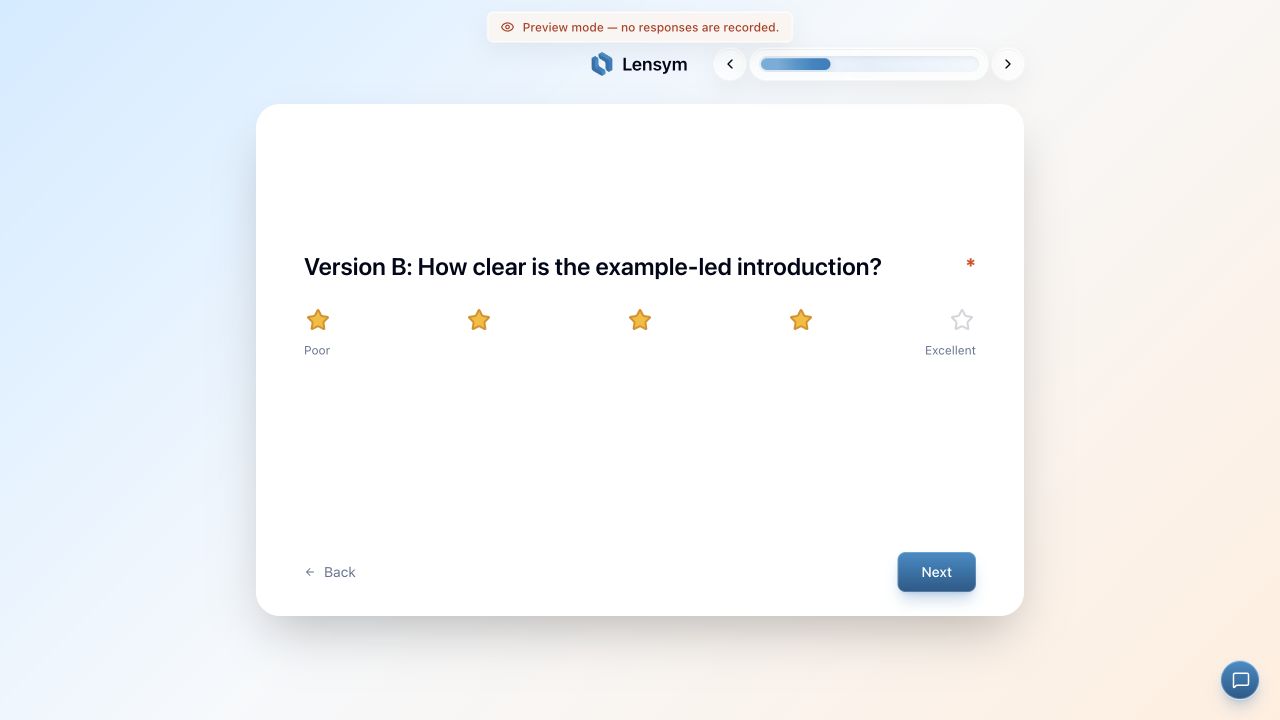
What Preview can tell you
Preview uses temporary responses and does not add real response records. Balanced previews use in-memory assignment counts, separate from the published survey. Those counts are not a persistent record and can reset when the page reloads.
Use Preview to check the flow and wording. It does not prove the distribution of your live respondents. With Random mode, a handful of runs can legitimately all choose the same path.
Returning respondents
Published Balanced assignments are saved for the response. Random mode also keeps a stable selection for the same response and split. Resuming the same response therefore does not provide a new draw. A retake reopens the existing response; treat it as the same respondent, not an extra assignment.
A different browser or a new response can receive a different path. See resuming and retake links.
Before publishing
- Give the split at least two paths with different destinations.
- Choose destinations after the current node; target a section itself rather than a question inside it.
- Use positive whole-number weights.
- Resolve missing destinations, invalid conditions and plan restrictions shown by validation.
Randomization
EssentialSplit respondents across weighted paths for A/B tests and experiments.
Compare plansSee Split setup for the difference between Balanced and Random.